
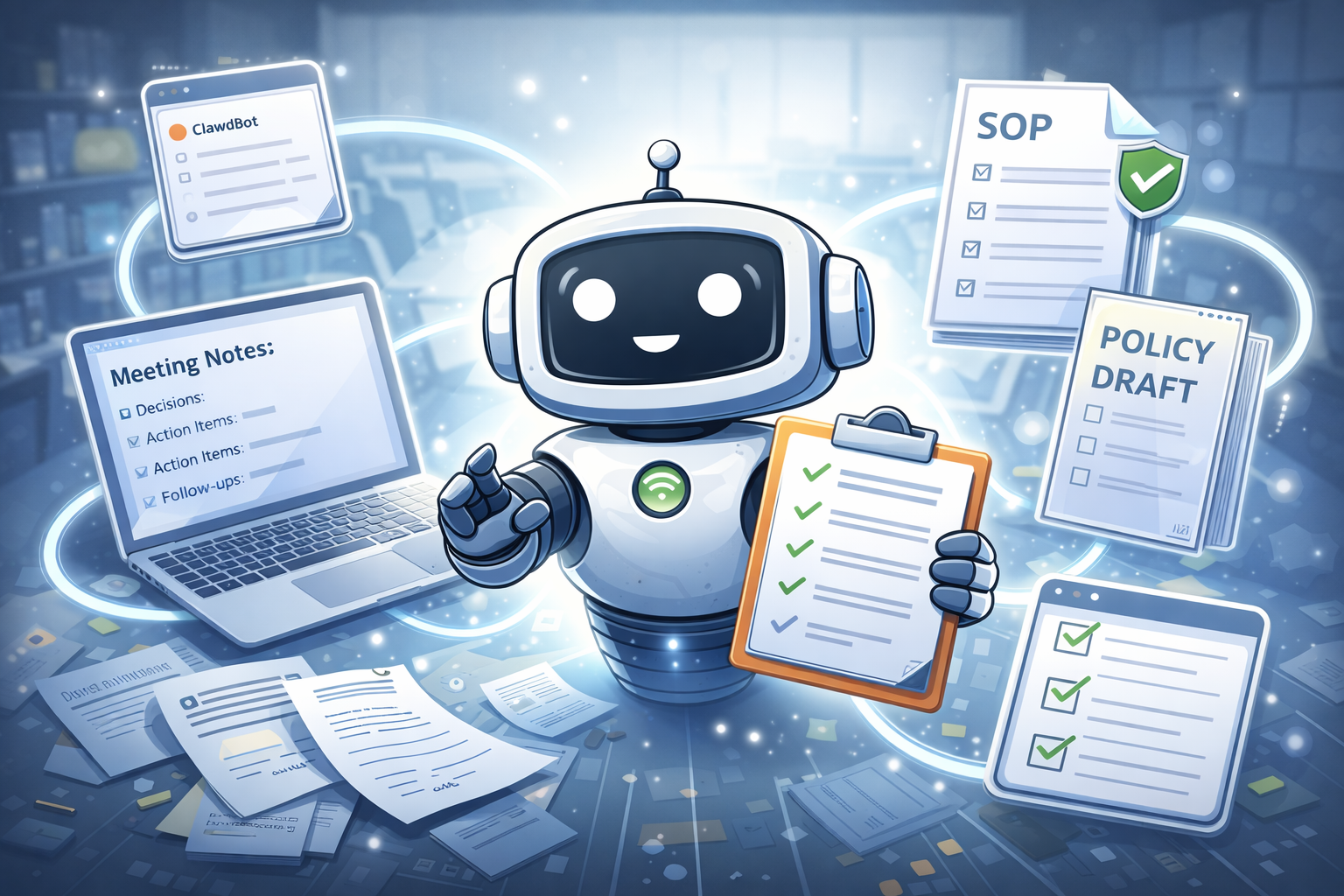
ClawdBot is being discussed because it represents a shift from “chatting with AI” to “delegating actions to AI.” Instead of only answering questions, it’s designed to connect with real tools (like email, calendar, files, and scripts) and carry out tasks on your behalf—often from the same chat apps you already use.
Another reason it’s in the spotlight is security: since it can run “skills” (extensions) that may execute instructions on a user’s machine, recent reports highlighted malicious skills being distributed via skill registries, which increased public attention and debate around safety.
What this article covers
- What ClawdBot is?
- How ClawdBot Works?
- How it differs from a chatbot and an AI agent?
- Whether it’s self-hosted or cloud-based?
- Use Cases.
What Is ClawdBot?
ClawdBot (often referenced as OpenClaw in official docs) is a personal AI assistant that can take actions, not just answer questions. You message it like a chatbot, but it can also trigger tools and workflows—such as managing inbox tasks, handling calendar actions, or running commands—depending on how you configure it.
ClawdBot vs chatbot vs AI agent
A chatbot is mainly built for conversation. You type a question and it responds with an answer, explanation, or written text (like a paragraph, email, or summary). In most cases, a chatbot stays inside the chat window—it can suggest what you should do, but it does not actually carry out tasks in other apps or systems.
An AI agent goes beyond conversation by planning and taking actions using tools. It can break a goal into steps and then use integrations (like files, web services, or APIs) to complete those steps and report back. ClawdBot is closer to an AI agent than a normal chatbot because it is designed to act—it can use “skills/integrations” to help automate work, not just produce text. In simple terms: chatbot = answers, AI agent/ClawdBot = answers + actions using tools.
How it Works?
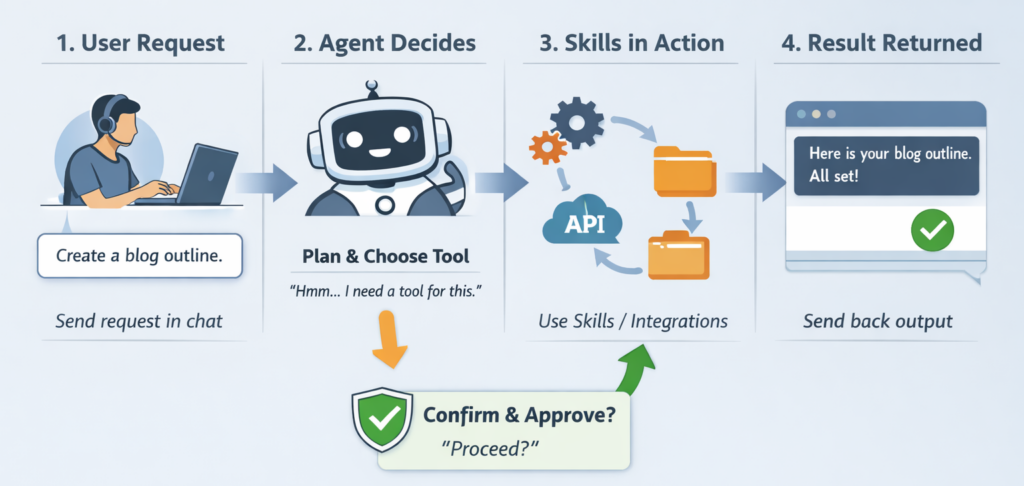
ClawdBot works like a chat-based control center for automation. You type a request (for example, “create a blog outline” or “summarize these notes”), and ClawdBot first understands your intent and decides whether it can answer directly or needs to use a tool. If the task is simple (like writing text), it responds immediately. If the task needs action (like fetching data, reading a file, or triggering an integration), it prepares a plan.
Next, ClawdBot uses skills/integrations to do the real work. Think of skills as “hands” that can interact with other systems—files, scripts, APIs, or connected services—while the AI acts as the “brain” that chooses which skill to use and in what order. It may do this in multiple steps: gather information → process it → generate the final output.
Finally, it returns the result back to you in chat and often includes what it did (or what it wants to do next). In safer setups, it will ask for confirmation before doing sensitive actions—like running commands, changing files, or posting/sending something—so you stay in control while it handles the repetitive work.
Application Areas and Use Cases
ClawdBot is most useful anywhere you have repetitive, multi-step work that normally requires switching between tools (write → check → format → summarize → plan → repeat). Because it behaves like an “AI agent,” its value is not only in generating text, but also in coordinating steps and producing outputs in ready-to-use formats (checklists, drafts, templates, summaries).
Customer support and helpdesk
ClawdBot can make customer support and helpdesk work faster and more consistent by handling the repetitive writing and organizing that usually consumes a lot of time. When a customer sends a long message, the support team often needs to understand the issue, identify missing details, and respond politely—again and again. ClawdBot can summarize the customer’s message into a clear “problem + context + urgency,” and then draft a reply in your preferred tone (formal, friendly, or short). This helps agents respond quickly without compromising clarity.
It is also useful for building and maintaining a knowledge base. When the same questions appear repeatedly, ClawdBot can convert successful support replies into FAQ entries, step-by-step troubleshooting guides, and standard templates for common cases (billing, login issues, refund policy, installation help). Over time, this improves self-service support, reduces ticket volume, and ensures every customer receives a consistent and accurate response—while human agents focus on the complex or sensitive cases.
Business operations and internal documentation
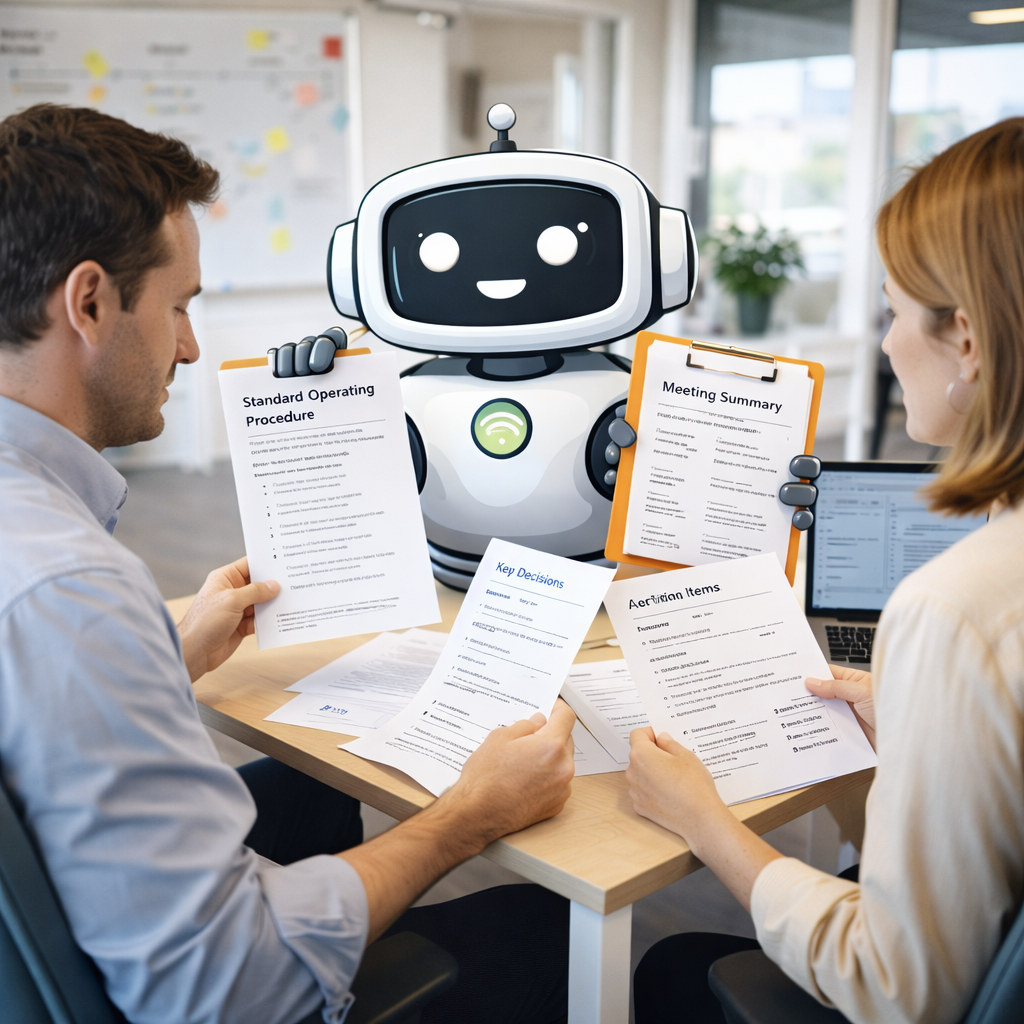
ClawdBot is also very useful in business operations and internal documentation, where the main challenge is not creativity—it’s consistency and structure. Many teams waste time converting scattered notes, chats, and informal instructions into proper documents. With ClawdBot, you can paste rough points and get a clean, well-formatted output such as an SOP (standard operating procedure), checklist, policy draft, or weekly report template. This reduces dependency on one “documentation person” and makes processes easier for everyone to follow.
Another strong use case is meeting-to-action execution. After meetings, people often forget decisions, lose track of responsibilities, or miss deadlines because outcomes were not documented clearly. ClawdBot can turn meeting notes into a structured summary: key decisions, action items, owners, deadlines, and follow-ups. Over time, this improves coordination, reduces confusion, and creates a searchable record of how work is done—while still keeping humans in control of approvals and final decisions.
Sales and marketing
ClawdBot can support sales and marketing by speeding up the work that usually takes many iterations: writing, rewriting, and adapting the same message for different audiences. For example, if you sell a service or product, you can give ClawdBot your offer details (what you do, price range, target customer, key benefits), and it can generate multiple versions of sales copy—short, medium, and detailed—so you can choose what fits your brand voice.
For lead generation, it can draft cold outreach messages and follow-ups in a structured sequence. Instead of writing one email at a time, you can ask for a complete “email + follow-up 1 + follow-up 2” flow with different tones (polite, direct, formal). It can also tailor messages by industry, like “for schools,” “for clinics,” or “for startups,” while keeping your core value proposition consistent.
In content marketing, ClawdBot can repurpose one piece of content into many formats. A single blog post can be converted into a LinkedIn post, a short Twitter/X thread, an Instagram caption, a newsletter draft, and a script for a short video. This helps you stay active on multiple channels without rewriting everything from scratch.
It’s also helpful for campaign planning and consistency. You can ask it to create campaign checklists, landing page section suggestions (headline, benefits, social proof, FAQs), and ad-copy variations. The main advantage is not just writing faster—it’s keeping your messaging aligned across all marketing assets so your audience sees a clear, consistent story everywhere.
Developers and technical teams
ClawdBot is very useful for developers and technical teams because a large part of technical work is not only coding—it’s documenting, organizing, and communicating changes clearly. For example, after building a feature or fixing a bug, teams need to write update notes, README instructions, and explanations for others. ClawdBot can convert rough bullet points into clean documentation, generate structured “How to run” steps, and produce changelogs or release notes in a professional format.
It can also help in issue triage and debugging support. When you paste an error message, logs, or a bug report, ClawdBot can summarize the situation, list likely causes, and suggest a checklist of steps to reproduce and isolate the problem. This is especially helpful when multiple people are involved and you need a clear, shared understanding of what is happening before anyone starts fixing it.
For project management in engineering, ClawdBot can translate feature ideas into developer-ready formats like user stories, tasks, and acceptance criteria. It can generate test-case lists from requirements, identify edge cases to consider, and prepare technical handover notes. Used carefully, it becomes a productivity assistant that reduces time spent on repetitive writing and coordination—so developers can focus more on building and validating solutions.
Future use cases
As AI agents mature, ClawdBot-like systems can move from “helper tools” to workflow partners that operate across apps with less manual coordination. In the near future, we can expect stronger multi-agent collaboration, where one agent handles research, another drafts content, and another checks compliance or formatting—then they combine outputs into one final deliverable. This can make tasks like “publish a weekly blog + newsletter + social posts” feel like one command instead of a full-day activity.
Another promising area is personalized automation with memory and rules. Instead of repeating preferences every time (“use my tone,” “avoid these words,” “follow my format”), ClawdBot can learn a stable style and follow fixed operating procedures—like always creating a checklist, always adding FAQs, or always producing an executive summary. This would be especially valuable for operations teams where consistency matters more than creativity.
In business environments, future ClawdBot use cases will likely expand into end-to-end process execution. For example: onboarding a new employee (collect documents → create accounts → assign training → schedule meetings), vendor management (compare quotes → summarize contracts → set reminders), or compliance workflows (policy updates → training drafts → audit checklists). The agent becomes a bridge between departments by producing structured outputs that everyone can act on.
We may also see ClawdBot integrated more deeply into customer experience beyond support tickets—such as proactively identifying repeated user pain points and suggesting product improvements, creating self-service flows, and generating personalized onboarding guides based on what a user is trying to do. Instead of only responding after a problem happens, the agent can help prevent the problem through better documentation and guided steps.
Finally, there’s a strong future path in education and skill training. ClawdBot could generate personalized practice sets, track learner progress, and adapt content difficulty over time. In institutions, it could assist teachers with lesson plan drafts, question banks, and rubric-based evaluation templates—while keeping educators in control of final decisions.
Conclusion
ClawdBot represents a shift from traditional chatbots to action-oriented AI agents that can plan tasks and execute them using tools and integrations. Today, it already helps with content creation, documentation, support, and productivity workflows. In the future, its value will grow even more as agents become better at multi-step execution, personalization, and cross-tool coordination. The key is to use it thoughtfully: start with low-risk tasks (drafting, summarizing, structuring), maintain human review for anything important, and follow safe practices when using skills or integrations.